

Apple Pay vs Google Pay: Which Works Better Here
Direct comparison of features, security, and compatibility with Czech banks. Plus what each platform does differently.
You're standing at a checkout counter in Prague, and you've got both Apple Pay and Google Pay on your phone. Which one should you tap? It's not always obvious, especially if you're new to digital wallets or switching phones. We're going to break down exactly how these two stack up against each other in the Czech market — because the truth is, they don't work the same way everywhere.
We've looked at security features, bank compatibility, transaction limits, and real-world usage patterns across the Czech Republic. Here's what you need to know before you choose.
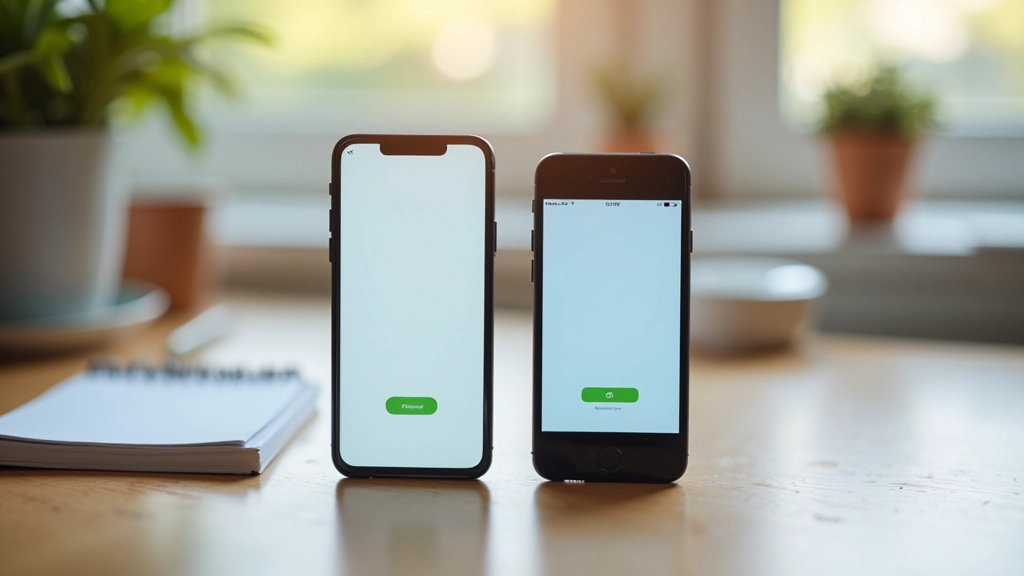
How They Actually Work Here
The technical foundation matters more than you'd think
Apple Pay uses a security system called Secure Element. When you add your card, the actual card number isn't stored on your phone — instead, a unique token gets created. Every transaction uses that token plus a dynamic security code that changes each time. It's genuinely secure because even if someone intercepts a payment, they can't replay it or use that code again.
Google Pay does something similar but with a different technical approach. It also tokenizes your card data, but the way it manages that token is slightly different. Both use NFC (near-field communication) for contactless payments, so the hardware capability is basically identical.
Here's where it gets practical: Apple Pay works with most Czech banks now — Česká spořitelna, Komerční banka, ČSOB, Revolut, and Wise all support it. Google Pay's coverage is similar but not identical. Some smaller regional banks work with one but not the other. That's actually the first thing you should check.
Head-to-Head: What Sets Them Apart
Device Requirement
Apple Pay works on iPhone 6s and newer, Apple Watch, and iPad. If you're on Android, you're using Google Pay — it's really the only choice. Apple Pay isn't going to happen.
Czech Bank Support
Both cover the major banks pretty well. Apple Pay might have a slight edge with older establishments, while Google Pay integrates well with newer fintech apps. It's genuinely close. Check your specific bank's app before deciding.
Transaction Limits
Both have limits for contactless payments — typically around 2,000 CZK per transaction without PIN. Above that, you'll need to enter your PIN or use a different payment method. The limits are set by your bank, not the wallet app.
Privacy Approach
Apple doesn't track your purchases — it genuinely doesn't know what you bought. Google's system does collect data (that's how Google works). If privacy matters to you, Apple's approach is more transparent about limiting data collection.
Fraud Protection
Both use strong tokenization and dynamic codes. Real fraud protection comes from your bank, not the wallet. Both will get you covered if there's unauthorized use — that's a banking guarantee, not a wallet feature.
User Experience
Apple Pay is usually faster to set up if you're already in the Apple ecosystem. Google Pay integrates with Google's services. Neither is objectively better — it depends on what you're already using.
Real-World Usage: What Actually Matters
You're probably wondering: "Can I actually use this at the grocery store?" The answer is yes, but with a caveat. Most Czech retailers with modern payment terminals support contactless payments — supermarkets, cafés, pharmacies, gas stations. But smaller shops, traditional markets, and some older businesses? They might not have the hardware yet.
Apple Pay works on about 95% of modern Czech payment terminals. Google Pay is similar — both platforms support the same NFC standard. The real variable isn't the phone, it's the terminal. If the terminal says "Contactless" or has the universal contactless symbol, you're good.
One practical difference: Apple Pay requires Face ID or Touch ID to complete a payment (unless it's under your bank's limit). Google Pay sometimes requires a PIN, sometimes just a fingerprint — it varies by bank. Neither is objectively better, but Apple's biometric requirement feels slightly more secure psychologically, even though both are equally safe.
In restaurants and online payments, Google Pay has an edge because it integrates with more Czech e-commerce platforms. Apple Pay is catching up, but if you're buying from smaller Czech online shops, Google Pay might just work while Apple Pay doesn't. This is changing, but it's the reality right now.

Security: The Technical Reality
Both are genuinely secure. Here's why.
Tokenization
Your actual card number never touches the payment terminal. A unique token — essentially a temporary credential that's useless for future transactions — gets sent instead. This is military-grade security, and both platforms use it correctly.
Transaction Codes
Every single payment generates a new, unique security code. Even if someone somehow captured the data from one transaction, they couldn't use it again. It's cryptographically bound to that specific payment, that specific time, that specific amount.
Device-Level Security
Apple requires biometric authentication or a PIN. Google's approach varies by bank, but it's similarly strong. Your phone itself is a security layer — someone can't just tap your phone and steal your money. They'd need your fingerprint or face.
Related Resources

The Real Answer: Which One?
If you've got an iPhone, Apple Pay is probably your best choice. It's more seamlessly integrated, privacy-focused, and works everywhere in the Czech Republic where contactless is available. The setup is straightforward — literally a few taps in the Wallet app.
If you're on Android, Google Pay is your answer. There's no real alternative, and honestly, it's a solid platform. It covers all the same terminals as Apple Pay, integrates with Czech retailers, and the security is identical.
The honest truth? You won't go wrong with either. Both are secure, both work here, and both will make your payments faster than fumbling for a card. The differences matter, but they're subtle. What really matters is that you're not carrying around a wallet full of cards anymore — that part's genuinely better.
If your bank supports both, try the one that matches your phone. If they support only one, you've got your answer right there. Don't overthink it — just set it up and start tapping.
Important Notice
This article provides educational information about Apple Pay and Google Pay functionality, security features, and compatibility in the Czech Republic. It is not financial advice, investment guidance, or a recommendation to use any specific payment service. Payment platform features, bank partnerships, and transaction limits change frequently. Always verify current compatibility with your specific bank and check the official Apple Pay or Google Pay documentation before making payment decisions. For questions about your account, contact your bank or payment provider directly.